

Introduction
If you’ve ever tried to build a WordPress site, you know the drill. You start excited, pick a theme, add some content… and then it happens. You hit that wall. The layout doesn’t look the way you imagined, the buttons won’t sit where you want them, and suddenly you’re googling how to center a div at 2 a.m.
This is exactly why page builders exist: they promise freedom from code and the power to design on your own terms. But here’s the twist: not all page builders are created equal.
Some feel like a smooth ride, others like an endless maze of settings. Pick the wrong one, and your “dream site” could turn into a bloated, slow, or frustrating mess.
So how do you know which one is your match? That’s what we’re here to unpack.
What Is a WordPress Page Builder?
A WordPress page builder is a plugin (or sometimes a theme feature) that allows you to create, design, and customize your website using a visual drag-and-drop editor instead of relying solely on code. In other words, it turns the website-building process into something more like editing a PowerPoint or Canva design than hand-coding a page.
Traditionally, building a WordPress site meant working with the default editor (now Gutenberg) or writing custom code in PHP, HTML, and CSS. That works great for developers, but it can be intimidating for beginners or even time-consuming for pros.
The best WordPress page builder 2025 bridges this gap by giving you an intuitive interface to:
- Add and arrange elements visually (like text, images, buttons, forms, galleries, sliders, videos, etc.)
- Customize layouts with columns, rows, and sections without touching CSS.
- Preview changes in real time as you design, so there’s no guesswork.
- Utilize pre-built templates and widgets to expedite site creation.
- Control responsiveness to ensure your design looks great on desktop, tablet, and mobile devices.
How to Choose the Right WordPress Website Builder?
With so many best page builders for WordPress 2025 available, it’s easy to feel overwhelmed. The truth is, there’s no one-size-fits-all solution. The best WordPress website builder 2025 depends on your business goals, technical comfort level, and long-term vision for your website.
To make the right choice, you’ll need to evaluate builders against a few key factors. Let’s break them down.
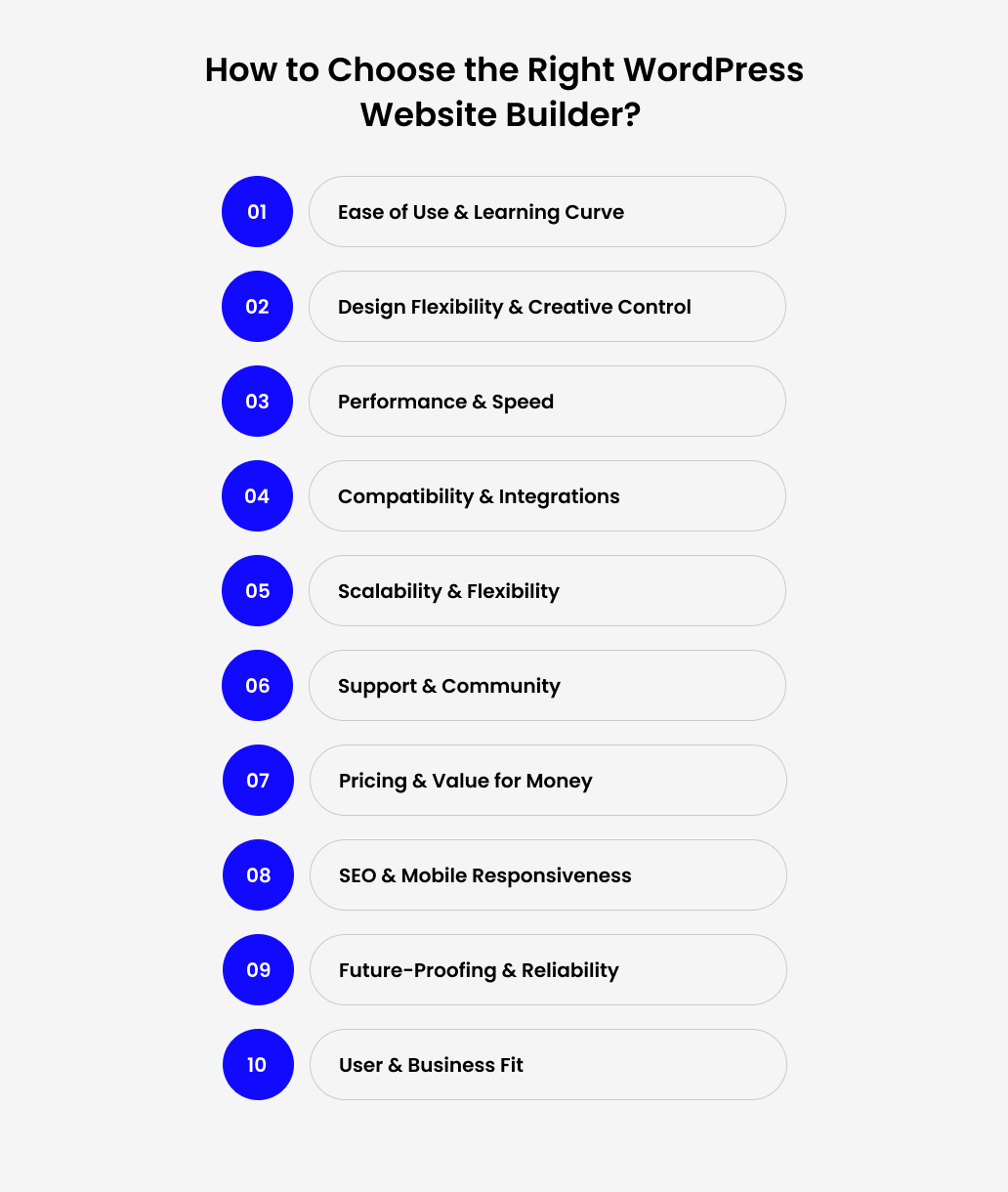
1. Ease of Use & Learning Curve
Ease of use & learning curve are quite important, as the less time spent learning, the faster you can launch and update your site.
- The best page builder for WordPress 2025 should feel intuitive, even if you’re not a developer.
- Look for drag-and-drop functionality and real-time editing so you can see changes instantly.
- Consider how quickly non-technical team members (like marketers or content writers) can pick it up.
2. Design Flexibility & Creative Control
The best WordPress website builder 2025 should give you freedom to create layouts that fit your brand identity, not just generic templates.
- Check if it offers pre-built templates, widgets, and blocks to save time.
- Look for customization options for fonts, colors, spacing, and responsive design.
- Bonus points if it lets you save global styles or reusable elements great for maintaining brand consistency.
Want professional help building with Elementor, Divi, or Gutenberg? Hire developers who can bring your design vision to life.
3. Performance & Speed
The best WordPress website builder 2025 should produce clean, lightweight code that won’t slow down your website. To Improve WordPress Website Speed follow below points.
- Avoid WordPress websites known for bloated scripts or excessive shortcodes; they may look flashy, but they can hurt SEO and user experience.
- Test how websites built with the tool perform on Google PageSpeed Insights or Core Web Vitals.
Remember: even a 1-second delay in load time can reduce conversions by up to 20% (Google study).
4. Compatibility & Integrations
Compatibility is key if you want to scale without facing conflicts later.
- Ensure the best page builder for WordPress 2025 works seamlessly with your chosen WordPress theme or comes with its own flexible theme.
- If you’re running an eCommerce store, check its compatibility with WooCommerce.
- Look for integrations with marketing tools like HubSpot, Mailchimp, or CRM systems.
Verify that it plays well with essential plugins (SEO plugins, security tools, forms, etc.).
5. Scalability & Flexibility
Your website needs today might be simple, but will your builder still work if you expand into membership sites, online courses, or multilingual setups?
- Look for a builder that supports complex layouts and advanced features without crashing or slowing down.
- Check whether it offers third-party add-ons or extensions to expand functionality as your business grows.
- Flexibility also means having the option to add custom CSS or JS if you need advanced tweaks.
6. Support & Community
Even the best builder comes with a learning curve; strong documentation, tutorials, and video guides can make a big difference. So, make sure you have:
- An active community (forums, Facebook groups, YouTube creators) helps you troubleshoot faster.
- Regular updates are critical to keep pace with WordPress core changes, security patches, and new features.
- Check if customer support is responsive through live chat, email, or tickets, especially if you’re on a premium plan.
7. Pricing & Value for Money
The best WordPress page builder 2025 offer both free versions and premium plans. Consider whether the free version gives you enough to start with.
- For premium upgrades, compare what’s included: templates, widgets, advanced design tools, or eCommerce support.
- Agencies should check for multi-site licenses or unlimited site deals, while small businesses may prefer single-site plans.
- Always weigh the long-term value; a slightly higher price may be worth it if it saves you hours of work or offers better performance.
If you’re on a budget, you can also explore free WordPress tools like the 5 Official AMP Plugin for WordPress to optimize speed and SEO.
8. Pricing & Value for Money
- The best WordPress website builder 2025 should help you build pages that are SEO-friendly by default with clean code, proper heading structures (H1, H2, etc.), and alt-text options.
- Mobile traffic dominates today, so ensure the builder allows responsive controls (different layouts for desktop, tablet, and mobile).
- Look for features like schema support, metadata fields, and fast loading that directly impact rankings.
- Test how the builder handles responsive design; some auto-adjust well, while others require manual tweaks.
The right choice depends on your project’s needs, budget, and technical skill, so it’s best to try free versions to see which fits your workflow.
9. Align Routing with Business Goals
WordPress is evolving rapidly, especially with Full-Site Editing (FSE) becoming more prominent. Your builder should adapt to changes instead of being left behind.
- Check if the best WordPress page builder 2025 has a clear roadmap, frequent updates, and active development.
- Longevity matters; you don’t want to invest in a builder that becomes outdated or abandoned in a couple of years.
- The best page builder for WordPress 2025 ensures your site stays secure, compatible, and ready for future growth.
10. User & Business Fit
Every business has unique needs; bloggers may prioritize simplicity, agencies may need advanced customization, and eCommerce stores require strong WooCommerce integration.
- Think about who will use the builder most often: is it you, your team, or clients?
- The best builder is one that aligns with your skill level, workflow, and long-term business goals.
- Don’t just follow trends; choose the tool that actually helps you achieve results.
Final Thoughts
Choosing the right WordPress page builder isn’t about following trends or picking the tool with the most features; it’s about finding the one that fits your business goals, technical comfort level, and growth plans.
The wrong choice can leave you with a slow, clunky site that’s hard to scale, while the right one gives you speed, flexibility, and creative freedom to build a website that truly works for you.
That’s where Enstacked comes in. We don’t just build WordPress sites; we help you choose the perfect builder for your needs and then develop a tailored website that actually delivers results. From speed optimization to custom functionality, we make sure your site isn’t just live, it’s built to perform.
To know more about our IT service Company, how we can help you & beyond, connect with our team today. Book a free consultation today.
Frequently Asked Questions(FAQs)
Node.js is neither a framework nor a library—it’s a runtime environment that allows you to run JavaScript on the server side. Built on Chrome’s V8 engine, Node.js provides an event-driven architecture and non‑blocking I/O, enabling developers to build scalable network applications.
- Elementor (Free) – Most popular, drag-and-drop, 40+ widgets, beginner-friendly.
- Beaver Builder (Lite) – Lightweight, stable, clean code.
- Brizy (Free) – Simple interface, ready-made templates.
- Gutenberg – Built-in, performance-friendly, now supports full-site editing.
Quick pick: Elementor Free if you want flexibility, or Gutenberg if you want something lightweight and built-in.

