









Introduction
Suppose a user opens your React app and they watch your screen blink, blank for a second, before the page suddenly pops into view. That’s client-side rendering (CSR) doing its thing: fetching data, building components, then finally painting the UI.
It works, but that little delay? That’s enough to lose a user’s attention or, worse, a potential customer.
That’s where Server-Side Rendering (SSR) comes in. Instead of sending a blank page that React fills in later, the server sends a fully built page right away. The result? Faster load times, better SEO, and a smoother user experience.
Case studies show traffic uplift of +35% to +100% after adopting SSR.
But it’s not a one-size-fits-all solution. SSR can boost performance in some cases, yet add complexity in others. So when should you actually use it? And how does it really work behind the scenes?
In this guide, we’ll break down everything you need to know about Server-Side Rendering in React, in simple terms, with real-world context, so you can decide when it’s worth adding to your project.
What is Server-Side Rendering in Simple Terms?
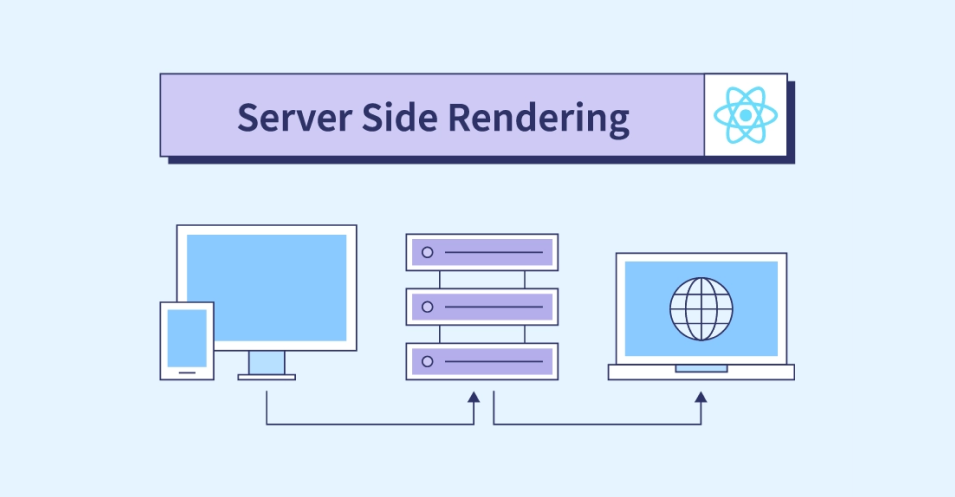
Server-Side Rendering (SSR) is a way of building and loading a web page where the server does most of the work before the page reaches your browser.
In simple terms, when you visit a React app that uses SSR, the server creates the full HTML of the page with all the content and sends it directly to your browser. So, when the page loads, you immediately see everything, even before the JavaScript takes over to make it interactive.
Here’s how it compares to the usual way React works:
- Without SSR (Client-Side Rendering):
The browser first gets a mostly empty HTML file, then downloads the JavaScript bundle, and only after running it does the page content appear. - With SSR:
The server builds that same page first, sends the finished HTML to your browser, and then React hydrates it, meaning it connects the static HTML to React’s dynamic functionality.
In short, SSR gives users a faster first view of your app because they don’t have to wait for all the JavaScript to load and run. It also helps search engines index your content better, since crawlers can read the complete HTML immediately.
So you can think of SSR as a head start for your React app, your users and Google both see a ready-made page, while React quietly prepares to make it interactive in the background.
(Server-Side Rendering )SSR vs CSR (Client-Side Rendering)
| Feature | Client-Side Rendering (CSR) | Server-Side Rendering (SSR) |
|---|---|---|
| Initial Load Time | Slower, waits for JS to load | Faster, HTML is ready to display |
| SEO Optimization | Limited, search bots may see empty HTML | Excellent, full HTML for crawlers |
| Server Load | Light | Heavier, server builds HTML per request |
| User Interactivity | Begins after JS loads | Visible instantly, interactive shortly after |
| Best For | Apps with fewer content pages | Blogs, eCommerce, marketing, SEO-critical apps |
Benefits of Using Server-Side Rendering (SSR) in React
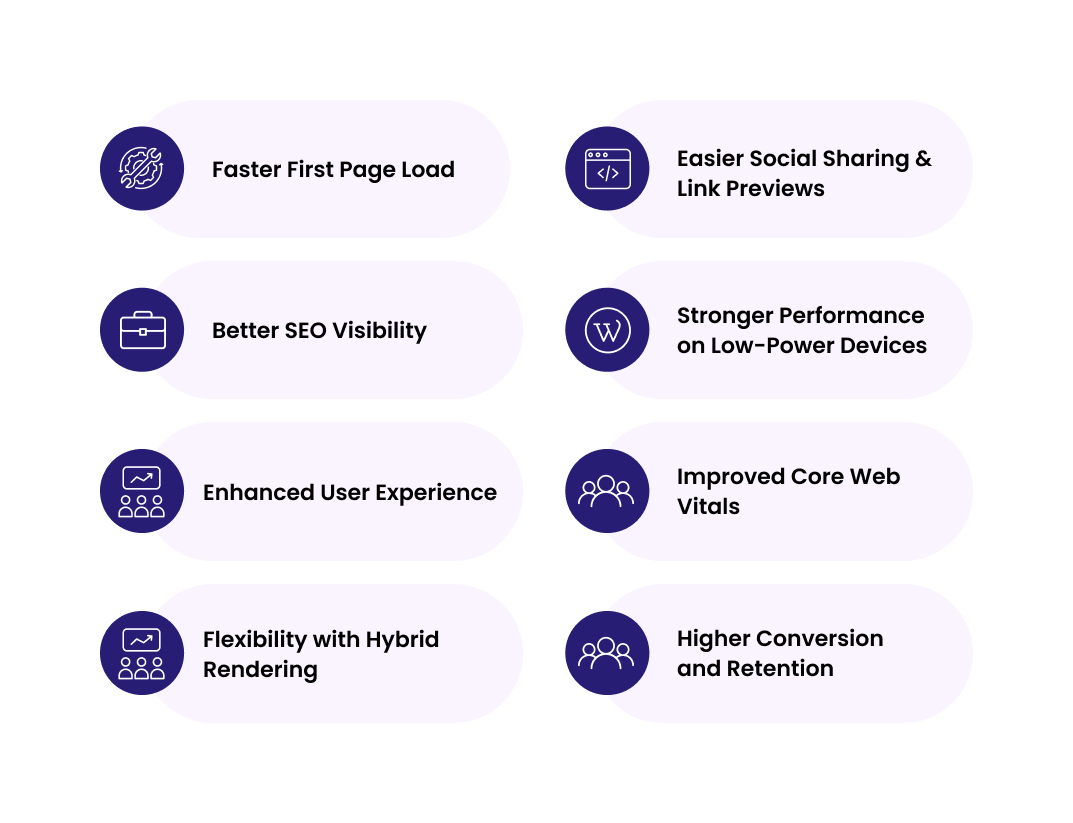
1. Faster First Page Load
With traditional client-side rendering (CSR), users often see a blank screen while JavaScript downloads and runs. SSR changes that. The server sends a fully rendered HTML page, so the content appears instantly, even before the JavaScript finishes loading.
This means with React server-side rendering. Users get:
- Faster Time to First Paint (TTFP) and Largest Contentful Paint (LCP)
- Better user experience, especially on slower networks or devices
2. Better SEO Visibility
Search engines prefer content that’s visible right away. With CSR, crawlers sometimes struggle to index JavaScript-heavy pages because the HTML is initially empty. The ReactJS server-side rendering solves this by sending the complete HTML markup directly to the crawler.
As a result:
- Your content is fully crawlable and indexable
- Meta tags and structured data are immediately available
- Better ranking for keywords and content-driven pages
3. Enhanced User Experience
SSR gives users something to see right away, even if the app still needs time to hydrate. That instant visual feedback creates a sense of speed and reliability.
- Reduces bounce rates (users are less likely to leave)
- Increases engagement and time on site
Makes your app feel snappier and more polished
4. Easier Social Sharing & Link Previews
When your app supports ReactJS server-side rendering, social media platforms like Facebook, Twitter, or LinkedIn can easily fetch your page’s meta tags and images. Without SSR, your link previews might show missing titles or blank images.
SSR ensures:
- Accurate preview titles, descriptions, and thumbnails
- Better click-through rates from shared links
5. Stronger Performance on Low-Power Devices
Since the heavy rendering happens on the server, the user’s device doesn’t have to do as much work. This improves performance on:
- Older phones
- Low-RAM devices
- Slow or throttled networks
Result: Consistent performance for all users, no matter their device.
6. Improved Core Web Vitals
Google’s ranking system heavily factors in Core Web Vitals like LCP, FID, and CLS. React server-side rendering helps improve these by reducing render time and providing a faster first meaningful paint.
That leads to:
- Higher Lighthouse and PageSpeed scores
- Better SEO ranking signals
- Improved conversion rates for online stores
To further enhance runtime speed and stability, explore our React Performance Optimization Techniques guide. It pairs perfectly with SSR best practices.
7. Flexibility with Hybrid Rendering
Modern frameworks like Next.js allow combining SSR with Static Site Generation (SSG) and Client-Side Rendering (CSR).
This hybrid model means:
- Render frequently-updated pages (e.g., products) on the server
- Pre-build static content (e.g., blog posts) at build time
- Use client rendering only for user-specific content
With server-side rendering in ReactJS, you get the best of all worlds: performance, scalability, and personalization.
If you’re optimizing SSR layouts for content-rich apps, pairing them with lightweight UI components matters too. Explore our list of Top React Carousel Component Libraries to Know in 2025 to enhance your front-end experience.
8.Higher Conversion and Retention
A faster, visible, SEO-friendly app attracts and retains more users. Studies show that every second of delay can reduce conversions by up to 20% and reactjs server-side rendering helps prevent that. By improving speed and engagement, SSR can directly translate into:
- More sign-ups
- More purchases
- More repeat visits
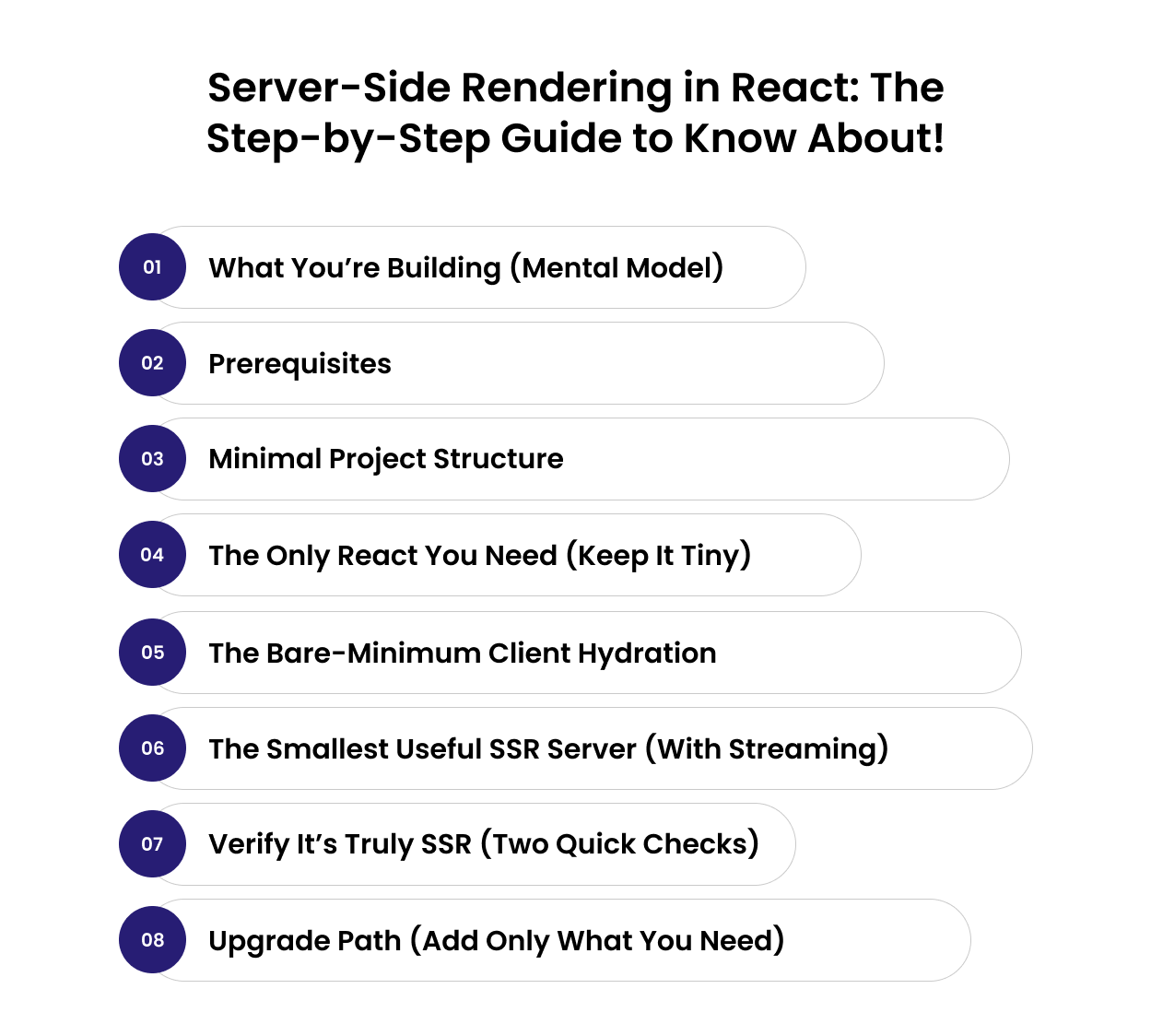
Server-Side Rendering in React: The Step-by-Step Guide to Know About!
1. What you’re building (mental model)
You’ll render React on the server to HTML, send that HTML to the browser so users see content immediately, then hydrate it so React attaches events and the page becomes interactive. Three moving parts:
- An isomorphic React component (App) used by both server and client
- A tiny server that streams HTML using React 18
- A tiny client entry that hydrates the HTML
Since SSR relies on a Node.js backend to render React on the server, it’s worth understanding how both work together read React.js vs Node.js: Are They Rivals or Teammates?
2. What you’re building (mental model)
- Node.js 18+
- A new folder: react-ssr-express
       npm init -y
npm i react react-dom express
npm i -D esbuild
3. Minimal project structure
      react-ssr-express/
  src/
    App.jsx        # your UI (shared)
    client.jsx     # browser hydration
    server.js      # server-side rendering
  dist/            # build output
  package.json
4. The only React you need (keep it tiny)
      // src/App.jsx
import React from "react";
export default function App({ time, products }) {
  return (
    <main>
      <h1>React SSR</h1>
      <p>Rendered at: {new Date(time).toLocaleString()}</p>
      <ul>{products.map(p => <li key={p.id}>{p.title}</li>)}</ul>
    </main>
  );
}
Why this matters: The App is shared by the server and the client. Props come from the server (so your initial HTML contains real data).
5. The bare-minimum client hydration
      // src/client.jsx
import React from "react";
import { hydrateRoot } from "react-dom/client";
import App from "./App";
hydrateRoot(document.getElementById("root"), <App {...window.__DATA__} />);
Why this matters: Hydration turns the static HTML into an interactive React app using data the server embedded.
6. The smallest useful SSR server (with streaming)
      // src/server.js
import express from "express";
import React from "react";
import { renderToPipeableStream } from "react-dom/server";
import App from "./App.js";

const app = express();
app.use("/static", express.static("dist/client", { maxAge: "1y", immutable: true }));

async function getProducts() {
  return [{ id: 1, title: "Example Product" }, { id: 2, title: "Another Item" }];
}

app.get("*", async (_req, res) => {
  const data = { time: new Date().toISOString(), products: await getProducts() };
  res.setHeader("Content-Type", "text/html; charset=utf-8");
  res.write(`<!doctype html><html><head><meta charset="utf-8"><title>SSR</title></head><body><div id="root">`);

  const { pipe } = renderToPipeableStream(React.createElement(App, data), {
    onShellReady() {
      pipe(res);
    },
    onAllReady() {
      res.write(`</div><script>window.__DATA__=${JSON.stringify(data).replace(/</g,"\\u003c")}</script><script src="/static/client.js" defer></script></body></html>`);
      res.end();
    },
    onError(err) {
      console.error(err);
    },
  });
});

app.listen(3000, () => console.log("http://localhost:3000"));
Why this matters:
- Sends HTML immediately (great perceived speed).
- Injects data safely via window.__DATA__ for the client to hydrate.
Serves the client bundle from /static.
7.One simple build setup (no configs)
      Add scripts to package.json:
{
  "scripts": {
    "build:client": "esbuild src/client.jsx --bundle --outfile=dist/client/client.js --format=esm",
    "build:server": "esbuild src/server.js --bundle --platform=node --outfile=dist/server.js",
    "build": "npm run build:client && npm run build:server",
    "start": "node dist/server.js"
  }
}
      Then:
npm run build
npm run start
# open http://localhost:3000
8. Verify it’s truly SSR (two quick checks)
- Disable JavaScript in DevTools → refresh → you still see full content (HTML came from server).
- Re-enable JS → refresh → the list renders instantly and any client logic (buttons, routing later) works.
9. Verify it’s truly SSR (two quick checks)
- Routing: Add react-router-dom. On the server, use StaticRouter to render the matched route; on the client, use BrowserRouter.
- Data: Fetch on the server per request (like getProducts()), pass through __DATA__, and hydrate. For user-specific bits, fetch on the client after hydration.
- SEO: Compute per-route <title>, description, canonical, and OG/Twitter tags on the server and write them in the <head>.
- Styles: Start with a global CSS file. Later, inline a tiny critical CSS block for above-the-fold and load the rest async.
- Caching: Put a CDN in front; cache static assets aggressively; cache API responses (memory/Redis). For anonymous pages, consider full-page HTML caching.
- Security: Escape serialized data (already done), add a Content-Security-Policy, keep secrets server-only, and validate inputs.
- Performance: Measure TTFB/LCP with Lighthouse. If APIs are slow, render a shell quickly and stream the rest—code-split big client components.
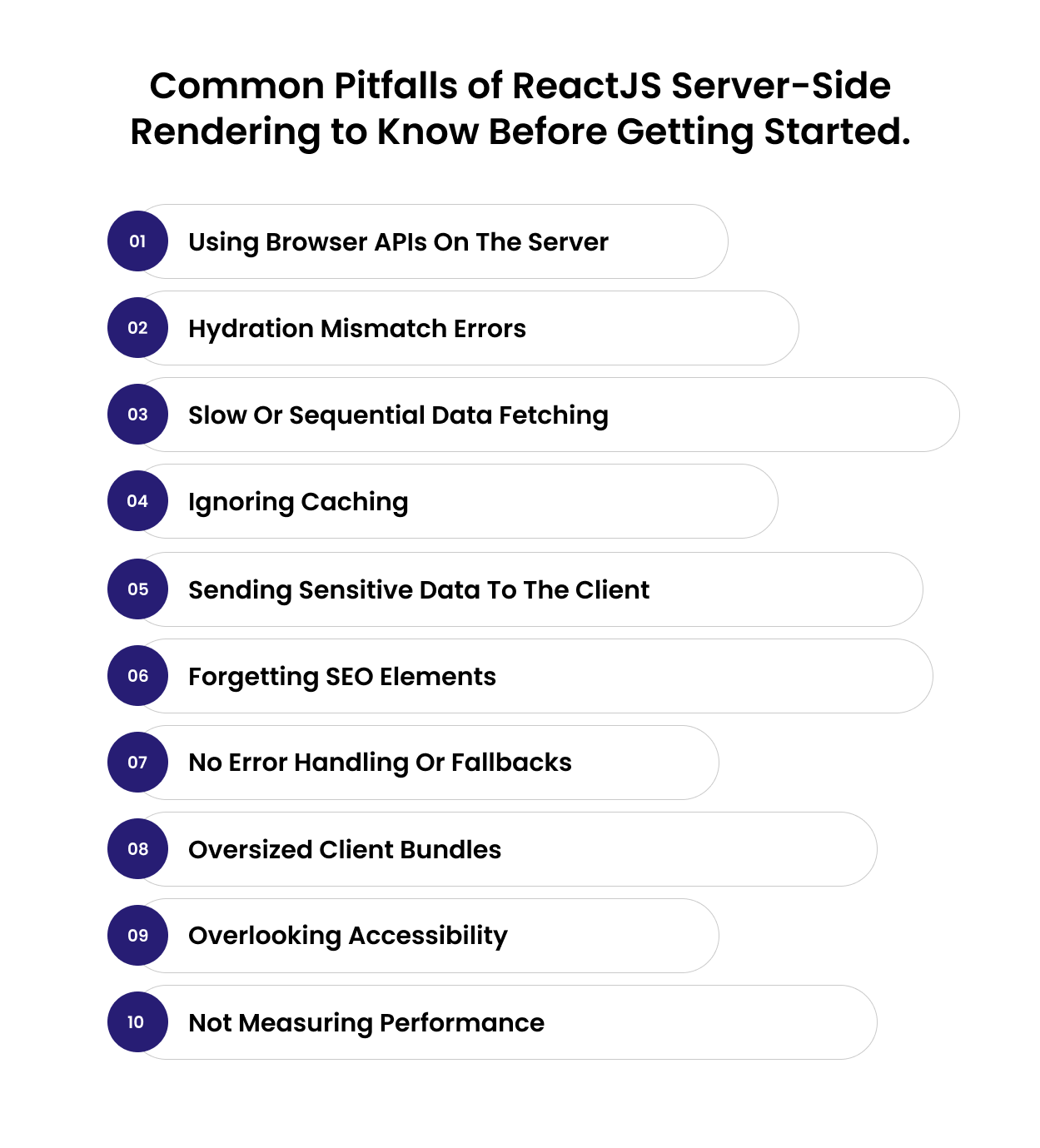
Common Pitfalls of ReactJS Server-Side Rendering to Know Before Getting Started.
1. Using Browser APIs on the Server
One of the most common mistakes of server-side rendering in React is using browser-only features like window or document on the server. These objects don’t exist in a Node environment, so any attempt to use them will cause rendering errors. Always keep browser-specific logic on the client side.
2. Hydration Mismatch Errors
Hydration issues happen when the HTML rendered on the server doesn’t exactly match what React expects on the client. This often occurs when data changes between the server and browser or when timestamps and random values are generated differently. The solution is consistency; make sure both environments use the same data and static values.
Debugging hydration or infinite re-render loops? You’ll love our detailed breakdown on Fixing Minified React Error #185
3. Slow or Sequential Data Fetching
Another big pitfall in React server-side rendering is fetching data one step at a time. Sequential requests increase server response time, making SSR slower instead of faster. The best approach is to fetch all necessary data at once and use caching to reduce the load on APIs and databases.
4. Ignoring Caching
Without caching, your server will re-render every page for every request, even when the data hasn’t changed. It can quickly overload your server and slow down performance. Implement caching for static assets, API data, and even pre-rendered HTML whenever possible.
5. Sending Sensitive Data to the Client
When embedding data into the HTML response, it’s easy to accidentally include sensitive information such as API keys, tokens, or internal URLs. Always ensure that only safe, public-facing data is sent to the browser.
6. Forgetting SEO Elements
Many developers focus on rendering components but forget to include the SEO essentials like meta titles, descriptions, and canonical tags. These are key advantages of server-side rendering in reactjs, so make sure every page has proper metadata to maximize visibility in search engines.
7. No Error Handling or Fallbacks
A server-rendered app without proper error handling can break silently. If the server fails during rendering or hydration, users may just see a blank screen. Always include clear fallbacks or loading messages to handle unexpected errors gracefully.
8. Oversized Client Bundles
React server-side rendering improves the first paint speed, but a heavy JavaScript bundle can still make your app feel slow once it hydrates. Keep your client bundle small by removing unused libraries, splitting large components, and deferring non-critical scripts.
9. Overlooking Accessibility
SSR apps should be accessible even before JavaScript loads. Use proper semantic HTML, clear headings, and accessible labels so users with assistive technologies can interact with the page from the start.
10. Not Measuring Performance
Many teams assume SSR is automatically faster, but it’s not always the case. Track your performance metrics like Time to First Byte (TTFB) and Largest Contentful Paint (LCP) using tools such as Lighthouse or Chrome DevTools to confirm that your SSR setup is actually improving user experience.
Best Practices for Server-Side Rendering (SSR) in React
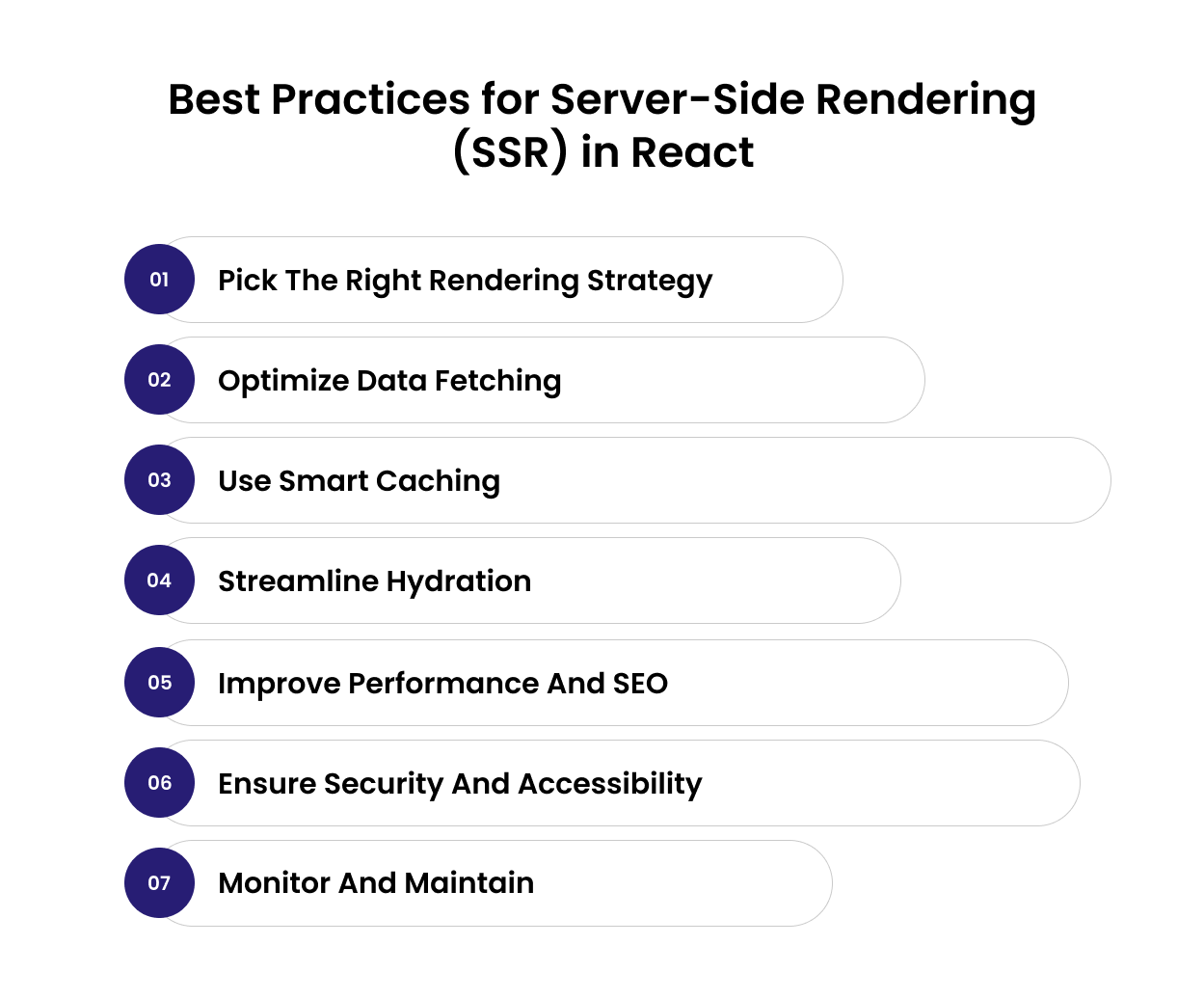
1. Not Measuring Performance
Use ReactJS server-side rendering where it truly adds value for SEO pages, product listings, or landing pages. Combine SSR with Static Site Generation (SSG) or Client-Side Rendering (CSR) for less critical or user-specific content. Modern frameworks like Next.js make this hybrid approach simple and efficient.
Also Read: Difference Between Next.js and React.js
2. Optimize Data Fetching
Fetch data in parallel to avoid delays and waterfalls. Cache frequent API responses and handle slow or failed requests gracefully with fallbacks. Use built-in SSR helpers like getServerSideProps or fetch(…, { cache: ‘no-store’ }) to keep content fresh.
3. Use Smart Caching
Server rendering can be expensive, so caching is essential. Cache HTML at the edge or CDN, and revalidate periodically with tools like Next.js ISR. Separate dynamic user content from static templates to keep cache hits high and costs low.
4. Streamline Hydration
SSR loads content fast, but hydration connects React’s interactivity. To keep it smooth, split code, lazy-load non-critical components, and keep client bundles light. React 18’s concurrent rendering helps hydrate faster and without blocking the UI.
5. Improve Performance and SEO
Preload critical assets and inline minimal CSS for above-the-fold content. Use unique meta tags, canonical URLs, and structured data for SEO. Server-side rendering in React ensures full HTML is available for crawlers and accurate previews on social platforms.
6. Ensure Security and Accessibility
Escape dynamic content to prevent XSS, and never expose secrets in serialized props. Your pages should remain readable and navigable even without JavaScript, supporting screen readers and keyboard navigation.
7. Monitor and Maintain
Track metrics like Time to First Byte (TTFB), Largest Contentful Paint (LCP), and Core Web Vitals. Log server render times, cache hits, and hydration errors to identify bottlenecks early.
All in all, keep your SSR setup fast, cache-friendly, and focused on the pages that need it most. Balance performance with simplicity, and your React app will load faster, rank better, and scale smoothly.
Final Thoughts
Server-side rendering in React isn’t just a performance tweak; it’s a mindset shift toward building faster, more discoverable, and more user-friendly applications.
Still exploring which framework best suits your goals? Dive into our React vs Vue Comparison Guide 2025 before finalizing your stack.
When implemented thoughtfully, SSR bridges the gap between great design and great experience, so users can see the content & search engines can index.
But like any powerful tool, SSR works best when it’s used strategically, balancing performance, caching, and scalability with the specific needs of your product. For many teams, that’s where the right technical partner makes all the difference.
At Enstacked, we specialize in high-performance React development, helping brands implement scalable architectures, modern rendering strategies, and seamless SSR experiences.
Whether you’re looking to add server-side rendering to React, improve SEO, or optimize page load times, you can hire dedicated developers from our team to bring it all together, the right way.
Book your free consultation call with our experts.
Frequently Asked Questions(FAQs)
Server-side rendering in React is used to improve performance and SEO. It allows the server to generate the full HTML before sending it to the browser, so users see content instantly and search engines can easily index the page.
In most cases, React server-side rendering is faster for the initial page load because users get pre-rendered HTML immediately. However, CSR (client-side rendering) can feel faster for subsequent navigation since the browser doesn’t reload the entire page.
No, ReactJS does not use server-side rendering by default. It renders components in the browser using client-side rendering, but you can add server-side rendering to React manually or use frameworks like Next.js that support it out of the box.
By default, React uses client-side rendering (CSR). To enable React server-side rendering, you need to configure a server (like Express) or use tools such as Next.js to render React components on the server before sending them to the browser.

