



Gearing Up!
Tech Twitter is buzzing. Reddit threads are exploding.
And if you’ve opened YouTube in the last twenty-four hours, you’ve probably already seen ten videos asking the same thing:
What is Google Antigravity AI IDE, and why is every developer talking about it?
Google has quietly dropped what might be its most surprising developer-focused product this year, Google AI Antigravity. Some call it an IDE. Some call it the future of Gemini. Some say it’s Google’s answer to Cursor.
Whatever it becomes, one thing is clear: it’s already rewriting the conversation around AI-assisted coding.
Here’s the full breakdown about Google AI antigravity, the difference between cursor vs antigravity, how to get started with Antigravity Google download & more.
So… What Is Google Antigravity AI IDE?
Google AI Antigravity is a next-generation coding environment built on top of Google Gemini Antigravity, the latest iteration of Gemini 3, designed specifically for real-time development workflows.
Antigravity is built around AI agents that can plan, execute, and verify tasks across your editor, terminal, and browser.
Google Developers Blog
It feels like Google mixed:
- Google Studio
- AI Studio
- A lightweight code editor
- A smart agent that actually understands your full project
…and blended it into a single workspace that feels more alive than any IDE you’ve used before. And, the best part: IT IS COMPLETELY FREE.
The idea behind Google AI antigarvity is simple. Coding shouldn’t feel heavy. This new Google Antigravity AI IDE tries to remove the weight from development by letting Gemini 3 handle context, bugs, rewrites, refactors, documentation, and even architecture decisions.
Google’s messaging hints that Antigravity isn’t just a tool. It’s an entire development model.
What Does This Gemini Antigravity Agent Do?
Since the launch of Google AI Antigravity, developers have been asking the same thing: Where does this new Antigravity IDE actually shine?
Here’s a quick rundown of the real-world use cases already taking off.
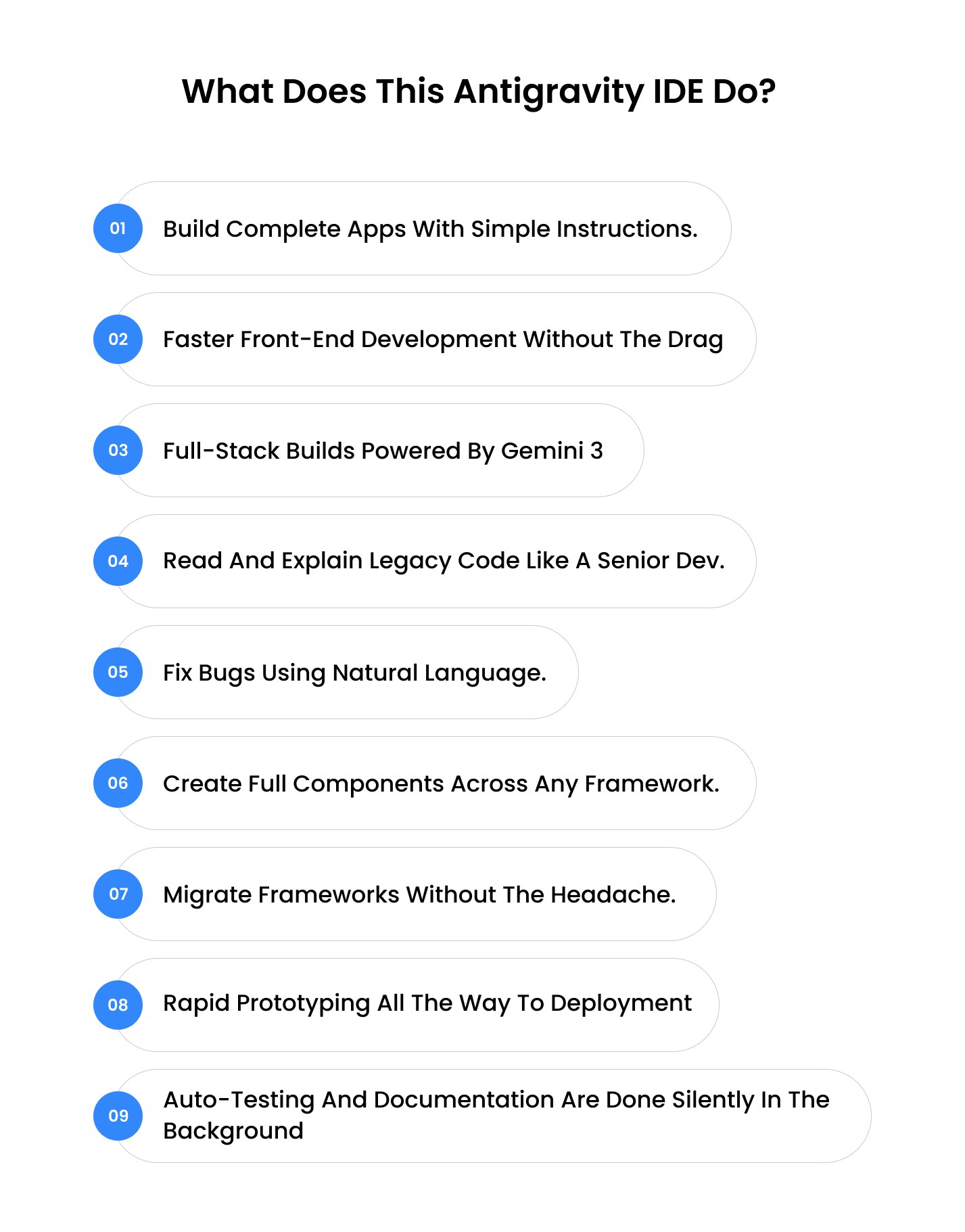
1. Build complete apps with simple instructions.
Tell Antigravity what you want, for example, make a Next.js app with Firebase Auth and Tailwind, and it scaffolds the whole project in seconds. This is where Google AI Antigravity feels unreal, especially for first-time users.
2. Faster front-end development without the drag
Need a new layout or a component fix? The Ide Google antigravity lets you tweak UI instantly, with Gemini watching your browser in real time. If you’re thinking about Cursor vs Antigravity, this is where Antigravity clearly feels more visual and interactive.
3. Full-stack builds powered by Gemini 3
APIs, dashboards, entire SaaS modules, Google Gemini Antigravity understands your repo, plans the structure, and generates clean code faster than a traditional IDE.
4. Read and explain legacy code like a senior dev.
Joining a new team or inheriting a messy repo? Antigravity reads the entire codebase, explains architectures, and generates summaries you can actually understand.
5. Fix bugs using natural language.
Ask something like, Why is my Stripe webhook failing? And Gemini antigravity replies with exact file paths, explanations, and suggested fixes. It behaves like a senior engineer sitting beside you.
6. Create full components across any framework.
React, Flutter, Kotlin, Node, Python, you name it, Antigravity builds it. It generates the component, tests it, cleans it, and even documents it.
7. Migrate frameworks without the headache.
Moving from React to Next?
Express to Nest?
Flask to FastAPI?
Antigravity handles file restructuring, dependency changes, and clean migration steps with AI-guided precision.
8. Rapid prototyping all the way to deployment
Startups and solo builders can go from idea to live prototype insanely fast. With Google Studio style integrations and AI Studio automation, you just describe what you want, and the antigravity agent handles the rest.
9. Auto-testing and documentation are done silently in the background
The built-in verification layer runs tests, takes screenshots, flags failures, fixes bugs, and writes documentation automatically. No wonder so many people are already searching for the Antigravity Google download.
Cursor vs Antigravity: Key Differences You Should Know About!
| Category | Google AI Antigravity | Cursor |
|---|---|---|
| Core Philosophy | Agent-first system where multiple AI agents plan, execute, test, and verify tasks inside the Antigravity IDE. | AI-assisted code editor focused on chat + file edits. |
| AI Model | Powered primarily by Google Gemini Antigravity (Gemini 3 Pro) with support for Claude + open-source models | Uses OpenAI, Anthropic, and custom LLM endpoints. |
| Action Execution | Agents directly control the editor, terminal, and browser, with full workflow automation. | Edits files and runs commands, but limited browser-in-loop automation. |
| Browser Integration | Built-in browser actions, UI testing, screenshot capture, and behavior validation. | No native browser agent control. |
| Multi-Agent System | Yes, multi-agent orchestration inside Antigravity Google IDE. | No multi-agent workflow. |
| Workflow Type | Full end-to-end actions: coding, debugging, testing, verification. | Mainly code generation, refactoring, and search. |
| Autonomy Level | High autonomy—agents can build, fix, test, and document with minimal prompts. | Medium autonomy—requires more manual guidance. |
| Ideal Use Cases | Full-stack automation, multi-agent workflows, complex debugging, browser testing. | Fast coding, refactoring, pair-programming. |
| Best For | Teams, startups, enterprise use, end-to-end dev automation. | Individual developers seeking AI-powered editing. |
| Installation | Local installation with Antigravity Google download for Mac, Windows, Linux. | Desktop application for Mac, Windows, Linux. |
| Learning Curve | Slightly higher due to multi-agent workflows. | Very beginner-friendly. |
| Pricing | Free public preview with generous model limits (Gemini 3 Pro included). | Paid — Pro tier required for heavy usage, approx. $20–$30/month depending on region. |
Key Google Antigravity IDE Features You Need to Know!
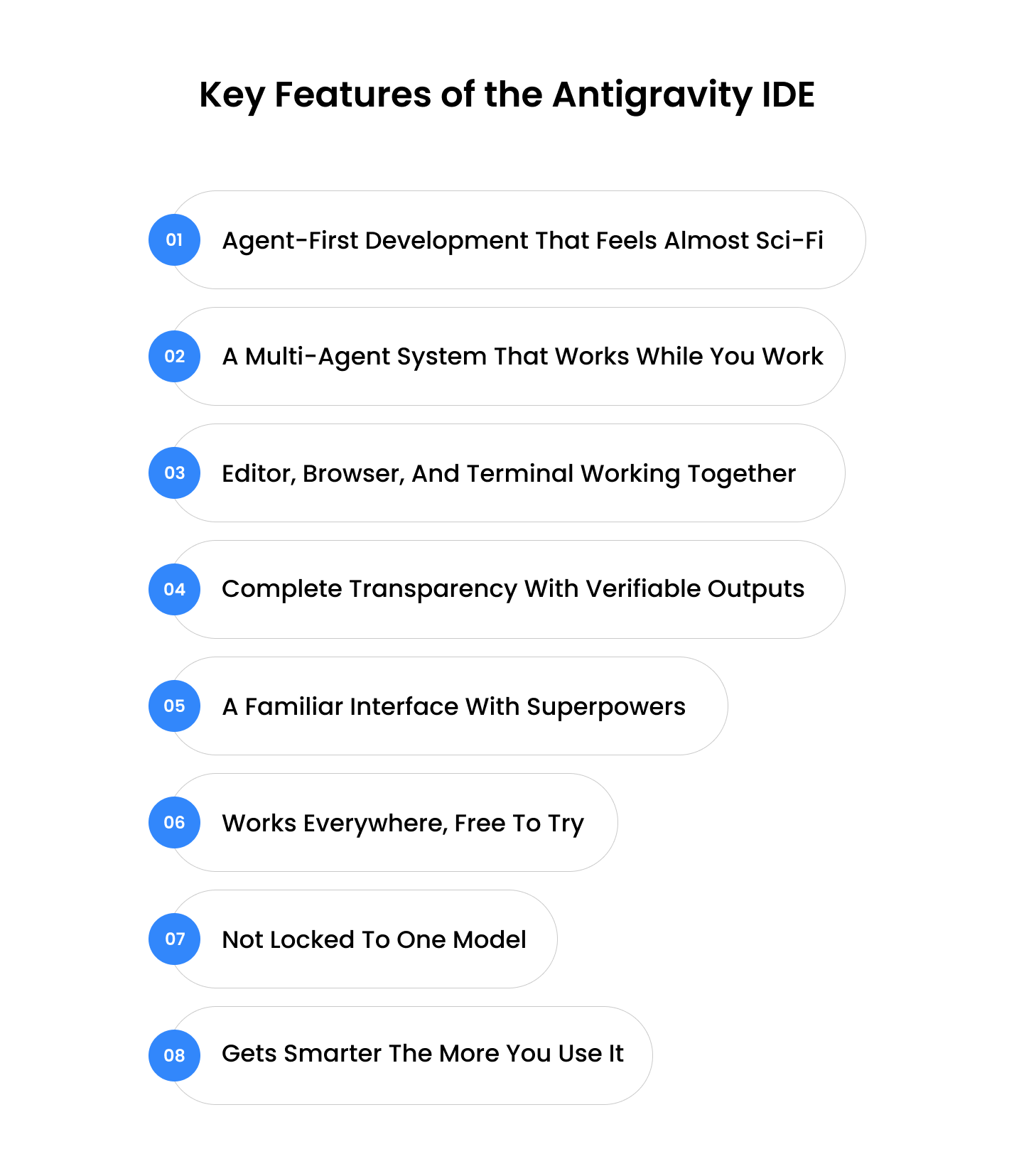
1. Agent-First Development That Feels Almost Sci-Fi
Tell Antigravity what you want, something like set up a clean monorepo with API, web app, and shared components, and the Antigravity agent plans the whole workflow automatically. This is the moment where Google AI Antigravity stops feeling like a tool and starts feeling like a teammate.
2. A Multi-Agent System That Works While You Work
You can spin up multiple agents at once, one fixing bugs, one testing UI, and another writing docs, and watch them coordinate their tasks in real time. The Manager View of Google antigravity ide features shows everything as it happens. For teams, this is easily the most unexpected and powerful part of the Antigravity IDE.
3. Editor, Browser, and Terminal Working Together
Ask Antigravity to run the UI tests and show me why the checkout button is breaking, and it opens the browser, triggers the tests, runs the terminal commands, and updates files inside the editor automatically. This tight integration is what makes it feel different from typical IDEs.
4. Complete Transparency With Verifiable Outputs
Every action the antigravity agent takes comes with proof, screenshots, test results, code diffs, and step-by-step logs. Instead of guessing what the AI did, you see everything. It builds trust in a way most AI dev tools don’t.
5. A Familiar Interface With Superpowers
If you’re comfortable with VS Code, you’ll feel at home immediately. But the difference shows up fast; you can refactor files, generate components, or run workflows by just describing what you want instead of hunting through menus.
6. Works Everywhere, Free to Try
Mac, Windows, Linux, the Antigravity Google AI IDE runs on all of them. And since it’s in public preview with generous limits, developers can explore Google antigravity ide features without worrying about hitting a paywall.
7. Not Locked to One Model
Although it shines with Gemini 3 Pro, you can hook in Claude Sonnet or open-source models too. It gives developers the freedom to choose the right brain for the right job.
8. Gets Smarter the More You Use It
The antigravity agent doesn’t just follow tasks; it learn. Over time, Antigravity builds a knowledge base from your workspace, past commands, and previous fixes. It’s like having an assistant that grows with your project.
Google Antigravity AI Ide is the biggest shift in developer tooling since VS Code. It changes how programmers think about building software.
What to Do Before Getting Started with Antigravity Google?
- Make sure you have a supported operating system: macOS, Windows, or a compatible Linux distribution.
- Install and use the Chrome browser (or a compatible browser) because Antigravity uses browser integration for UI testing and agent workflows.
- Have a personal Gmail account ready (for now) to access the preview version of Antigravity.
- Opt for the antigravity Google download from the official site. Choose the version that matches your OS.
- Configure your workspace: choose whether you’ll import an existing repo or start fresh, pick your theme, select the antigravity agent behaviour settings (auto vs review modes) so the environment matches your style.
- Decide how much autonomy you want to give the agents: certain settings, like Terminal Execution Policy and Review Policy, let you control how freely the agents can make changes.
- Security settings: If you’re on Windows, ensure your terminal setup (for example, WSL2 if required) is configured and security policies allow the IDE to execute agents safely.
- Make sure your workspace or project folder is ready for Antigravity to scan: having a clear project structure helps the Antigravity agents quickly understand your codebase.
How to Get Started with IdE Google Antigravity?
Getting started with Google AI Antigravity is surprisingly simple. You don’t need a complex setup or cloud configuration; just opt for the Antigravity Google download, install, and start talking to your agents. Here’s the quick, beginner-friendly path:
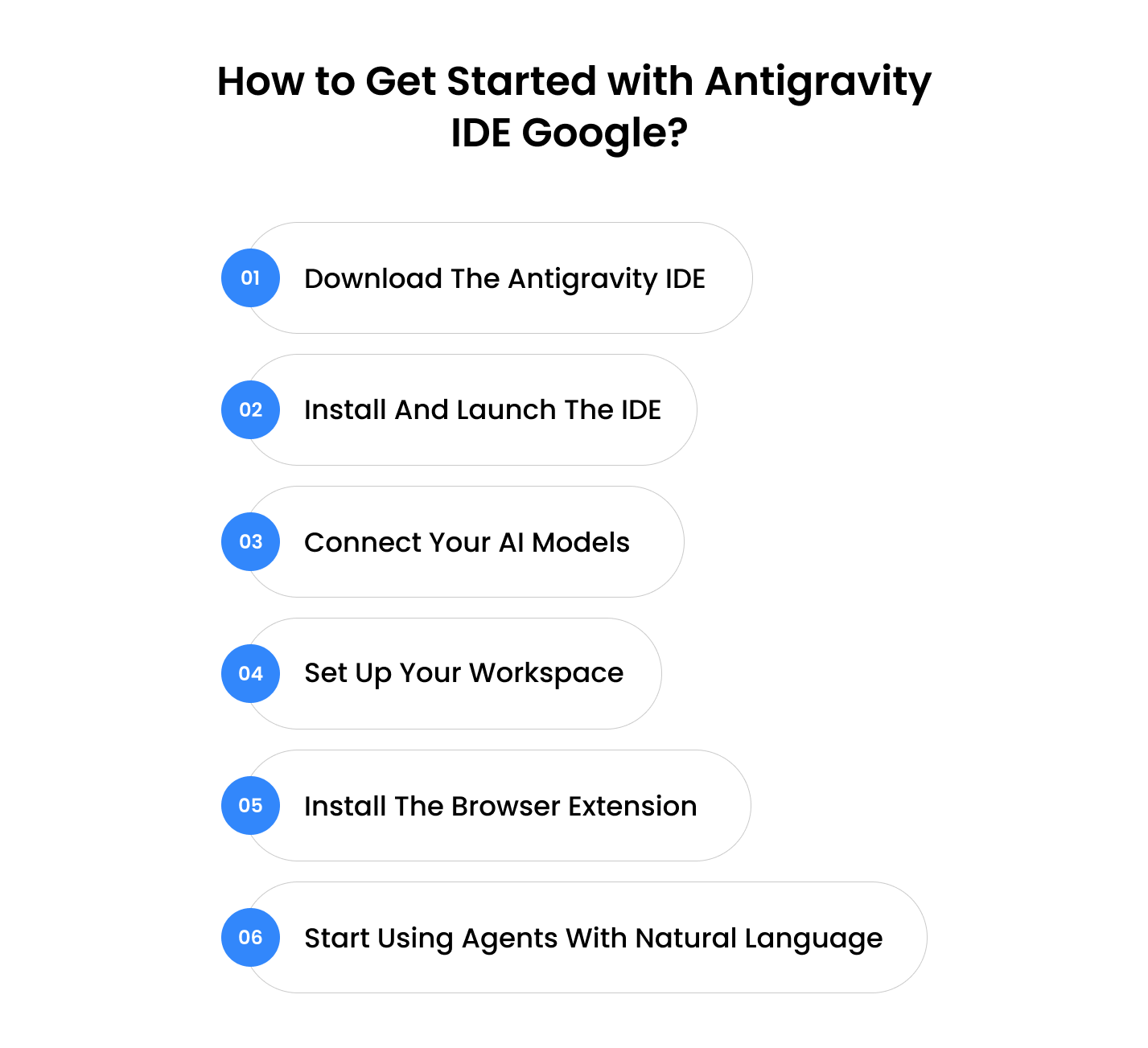
1. Download the Antigravity IDE
Head to the official site and grab the installer for your OS. It supports:
- macOS
- Windows
- Linux
This is the part that most people search for when looking for the Antigravity Google download, as the installer is the gateway to everything.
2. Install and Launch the IDE
Once installed, open the Antigravity app and you’ll see a familiar VS-Code-style interface, but with AI panels and agent tools built right in. No extra configuration needed.
3. Connect Your AI Models
By default, the IDE connects to Google Gemini Antigravity (Gemini 3 Pro), but you can also plug in:
- Claude
- Open-source LLMs
- Custom endpoints
Just sign in to your Google account, and the workspace syncs automatically.
4. Set Up Your Workspace
You can:
- open an existing repo
- import a GitHub project
or start from scratch
Antigravity reads everything instantly, so your agents understand the entire project from the first command.
5. Install the Browser Extension
To enable browser-in-the-loop workflows:
- UI testing
- screenshot capture
- visual debugging
- live validations
…just add the Antigravity browser extension.
This is where the Ide Google antigravity feels completely different from traditional tools.
6. Start Using Agents With Natural Language
Once your setup is ready, you simply type what you want, for example:
Create a new Next.js app with Tailwind and Firebase Auth.
Fix the login redirect issue.
Write Jest tests for the cart component.
The antigravity agent plan, execute, tests, and verifies everything automatically.
Final Take
Google AI Antigravity feels like the biggest leap in developer tooling since VS Code changed the game. It’s playful but powerful. Simple but deep. And very intentionally built for the future of AI-driven engineering.
Here’s our review, and let us know about yours. See you on the other side.
From Team Enstacked
Frequently Asked Questions(FAQs)
Yes. The Antigravity IDE is built for all skill levels. Even beginners can start by using natural language prompts, making it much easier than traditional coding environments like VS Code or IntelliJ.
Most AI tools simply generate code. Google Gemini Antigravity performs actions, running tests, opening browsers, executing commands, and verifying output, which makes it more agentic than standard AI assistants.
Yes. Antigravity integrates smoothly with Google Studio tools and AI Studio, letting you reuse prompts, models, and cloud resources without changing your existing workflow.
It works with most modern frameworks, including React, Next.js, Flutter, Node, Python, and Go. The Google antigravity AI IDE reads full repositories, making it useful for both frontend and backend projects.
Yes. Your workspace stays local unless you connect external models. Antigravity also generates verifiable artifacts, which help with audits and compliance for private teams.
In Cursor vs Antigravity comparisons, developers highlight that Antigravity agents can interact with browsers and terminals directly, while Cursor focuses more on file editing and chat-based coding.

