








Introduction
You’ve probably come across those sleek little tweet boxes embedded right inside blog posts. It is maybe from an industry leader, a trending reaction, or a piece of social proof; those 280 characters can do what entire paragraphs sometimes can’t.
It can amplify your voice with real-time opinions, expert insights, breaking news, or even that one witty remark that perfectly sums up your point.
Embedding tweets is about credibility. It’s proof that your content doesn’t live in isolation; it’s part of the larger dialogue happening online.
In this guide, we’ll explore not just how to embed tweets in WordPress, but how to make them elevate your story, boost engagement, and make your content feel truly connected to the world outside your website.
The best part? You don’t need to be a developer or dive into messy code. WordPress has made it easier than ever to bring Twitter directly into your content flow.
Adding a Twitter embed widget to your website helps create a cohesive online identity and makes it easy for people to follow your online conversations in one place. It can increase engagement from website visitors and Twitter followers, plus it’s a great way to keep your website fresh and relevant.
Why Embed Tweets in WordPress?
If you’re looking to make your website feel more alive, more current, and more connected, embedding a Twitter feed in WordPress is one of the simplest yet most powerful ways to do it. Here’s more on the benefits of embedding tweets in WordPress.
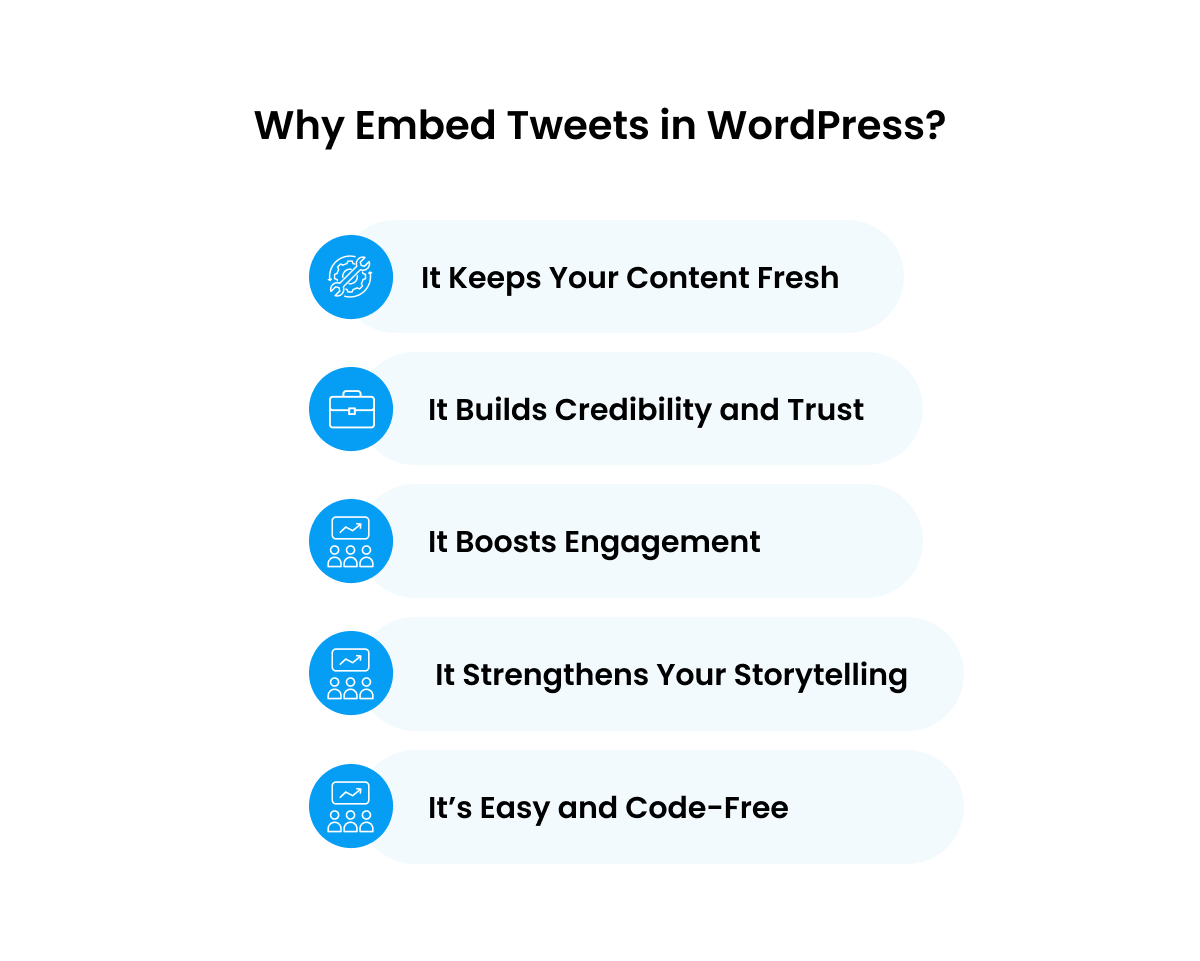
1. It Keeps Your Content Fresh
When you embed a Twitter feed in WordPress, your site automatically updates with new posts from the chosen account or hashtag. This means your content stays fresh without any manual effort, perfect for news websites, event pages, or brands that want to show live activity from their social profiles.
2. It Builds Credibility and Trust
People trust what others are saying online. When you embed a Twitter feed on WordPress, you give readers a peek into real conversations, mentions, and customer feedback. This social proof helps establish your authority and humanizes your brand at the same time.
3. It Boosts Engagement
When you add a Twitter feed to WordPress, visitors can interact with the tweets, like, retweet, or follow your account without leaving your site. This creates a seamless social experience that can increase engagement and even drive your social following.
4. It Strengthens Your Storytelling
Imagine writing a blog post about a trending topic and instantly embedding relevant tweets from thought leaders or influencers. Suddenly, your content feels richer, more relevant, and more connected to real-time conversations. That’s the storytelling power of embedding tweets in WordPress.
5. It’s Easy and Code-Free
You don’t need to be a developer to embed Twitter feeds in WordPress. With just a tweet link or a simple block in the WordPress editor, you can bring Twitter’s dynamic energy right into your post, no plugins or coding required.
Step-by-Step Guide: How to Embed Tweets in WordPress
When you embed a Twitter feed in WordPress, it is much easier than most people think. Whether you want to embed tweets in WordPress individually or embed a Twitter feed on WordPress to show multiple posts, the process can be done in just a few minutes, no coding required.
Let’s go step-by-step.
1. How to Embed a Single Tweet in WordPress
If you simply want to display one specific tweet (for example, a quote, testimonial, or trending post), WordPress makes this incredibly simple.
Here’s how:
- Go to the tweet you want to embed.
- Click on the Share icon under the tweet and select Copy link to Tweet.
- Now open your WordPress post or page editor.
- Paste the tweet link directly into your editor (Gutenberg or Classic).
- WordPress will automatically convert it into a live, interactive embedded tweet.
And that’s it! You’ve just embedded a tweet in WordPress, and visitors can now like, retweet, or comment directly from your post.
Tip: Embedded tweets are fully responsive, so they’ll look great on both desktop and mobile screens without any extra styling.
2. How to Embed a Twitter Feed in WordPress
If you want your entire Twitter timeline or hashtag feed to appear on your site, say, your brand’s latest tweets or event updates, you can embed a Twitter feed in WordPress instead of just one tweet.
There are two main ways to do this:
Option A: Using Twitter’s Own Embed Code
- Go to publish.twitter.com.
- Enter your Twitter profile URL (e.g., https://twitter.com/yourhandle) or a hashtag (e.g., #WordPress).
- Choose the display format, timeline, grid, or single tweet.
- Click Copy Code.
- In your WordPress editor, add a Custom HTML block.
- Paste the code and update your post or page.
This method is great if you want to embed a Twitter feed on a WordPress website without any plugins, lightweight and fast.
Option B: Using a Twitter Feed Plugin (for More Control)
If you prefer more styling options, filters, or multiple feeds, you can use a plugin to add a Twitter feed to WordPress with zero coding.
Here are some of the best Twitter feed plugins for WordPress (2025):
- Smash Balloon Twitter Feed (now X Feed Pro) — One of the most popular options, it lets you display user timelines, hashtags, or search terms in fully customizable layouts.
- Twitter Feed by Tagembed — Offers live feed syncing, moderation options, and responsive design. Great for embedding branded hashtag walls.
- Flow-Flow Social Stream — Perfect for combining multiple social platforms (Twitter, Instagram, YouTube) into a unified live feed.
Pro Tip: Plugins like Smash Balloon allow you to customize feed appearance, choose how many tweets to display, and even moderate which ones appear, making it ideal for brands and businesses.
Final Thoughts
Embedding tweets and Twitter feeds in WordPress is not just a technical task; it’s a way to keep your website engaged with real-time, relevant content that adds value to your users’ experience.
Whether you’re aiming to embed tweets in WordPress to showcase thought leadership, or add Twitter feeds to WordPress to enhance your brand’s credibility, the right integration will not only keep your content fresh but will also drive increased interaction and engagement.
And, if you are still overwhelmed or need professional assistance to manage the technical side of things, so you can focus on the creative side, then our team at Enstacked, the leading IT Service company, can help you out.
So, if you’re ready to take your site’s social integration to the next level, book a free consultation call with us today. See you on the other side.
Frequently Asked Questions(FAQs)
The future of IT staff augmentation is more strategic and data-driven. It’s shifting from short-term hiring to long-term partnerships focused on outcomes, compliance, and innovation. With AI and automation transforming how teams are built, staff augmentation is becoming a core part of how recruiting is shaped in businesses of today.
Yes! You can embed a Twitter feed in WordPress for free using publish.twitter.com. Just enter your profile link or hashtag, copy the embed code, and paste it into a Custom HTML block. This method works on any WordPress theme and doesn’t require paid plugins.
If you want to embed a Twitter feed on WordPress beyond your blog posts, like on your homepage, sidebar, or footer, use widgets or plugins such as Smash Balloon Twitter Feed or Tagembed. These allow you to add live Twitter timelines anywhere on your site using shortcodes or Elementor blocks.
By default, embedded tweets load JavaScript from Twitter’s servers, which may slightly affect page speed. To avoid this, you can use lazy-loading plugins like WP Rocket or Perfmatters, or use lightweight plugins that cache your Twitter feed locally.
In the Gutenberg editor, simply:
- Copy your tweet link or embed code.
- Add a Custom HTML block or Embed block.
- Paste the code, preview it, and you’re done!
This is the easiest way to embed a Twitter feed on a WordPress website with no extra setup.
Yes. At publish.twitter.com, type in the hashtag you want (like #WordPress), and Twitter will generate a code for that feed. Paste it into your page, and you’ll instantly embed a hashtag Twitter feed on your WordPress website.

